
If you are interested in writing and ready to help your users solve their problems with your content then Yes!
You can start your blog from today. I will guide you on how you can create a blog.
How to start a blog
- Identify your niche
- Teach what you know
- Write to a specific person
Identify your niche
Niche is nothing but what topic you are interested in.
example: Sports
If you are interested in our niche you can write more articles in your blog.
If you are not interested in your niche please don’t start a blog it maybe ends up in a few months.
So before starting a blog take your own time and identify your interest and then start creating your blog
Teach what you know
Teaching about your topic is like giving value to your audience. If you are not an expert on your topic it’s ok.
For example: if your friend asks you about “how to open a computer” if you can give information about how to open a computer then you are solving the problem of your friend
Like that you can solve your audience’s problem also. providing value for the audience can give you more trust and user engagement
Write to a specific person
Write your post to a person, not to a robot. when writing a post consider that you are talking to a person and start writing the post it helps your writing feel more personal
where to start a blog
WordPress is a CMS( content management system) that allows us to quickly create a website without coding knowledge.
The requirement to start a blog
- Hosting
- Domain
Hosting
When you start a new website, you should connect with a Webhosting provider that will provide server space. the WebHost will store all your files and databases on the server.
Domain
A domain is nothing but the name of your website Example” hellohasifa.com”
How to set up your blog with a hosting provider
I will guide you on how to set up a blog with the Bluehost provider.
Let’s start creating a blog!
- go to Bluehost
- Click on hosting
- choose shared hosting
- choose the plan which you like
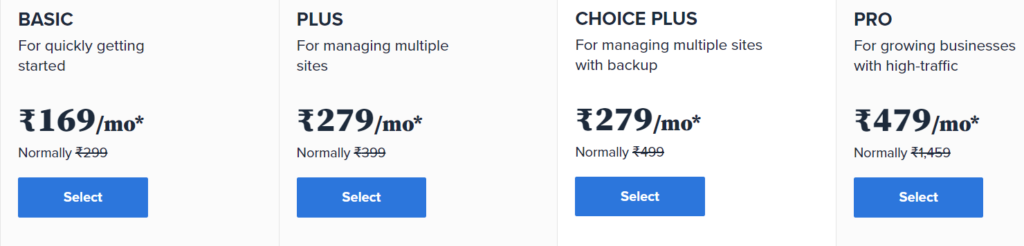
Next choosing our domain
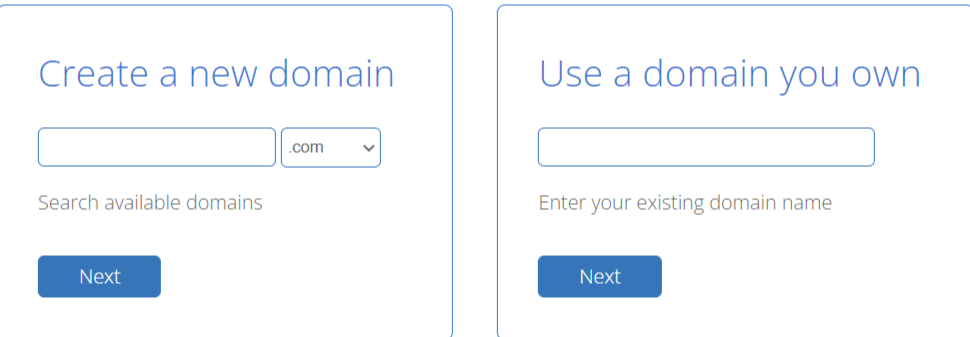
you can create a new domain or use can start with the existing domain name which you have
After creating a domain enter the account information followed by package information

After completing the payment information its time to create an account with Bluehost
Creating an account in Bluehost
- Enter your domain name and password to create an account
- Now your account is ready to login
Installing WordPress in Bluehost
- login to your account
- go to my site tab
- Click to create a site button
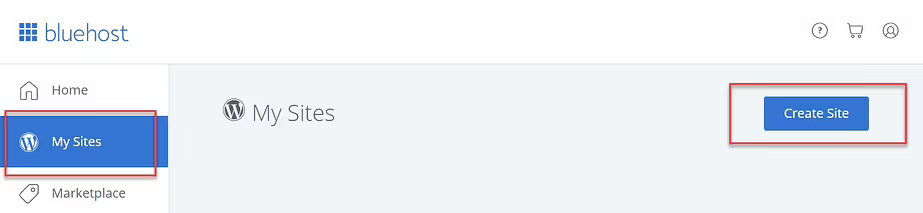
Bluehost dashboard
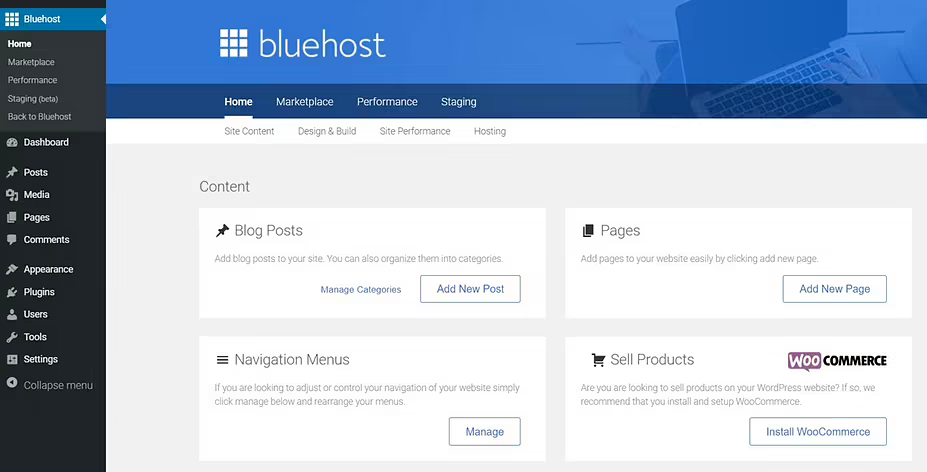
the is the dashboard where we create posts and design our website
- now go appearance ➝ theme
- select the theme which is suitable for the niche
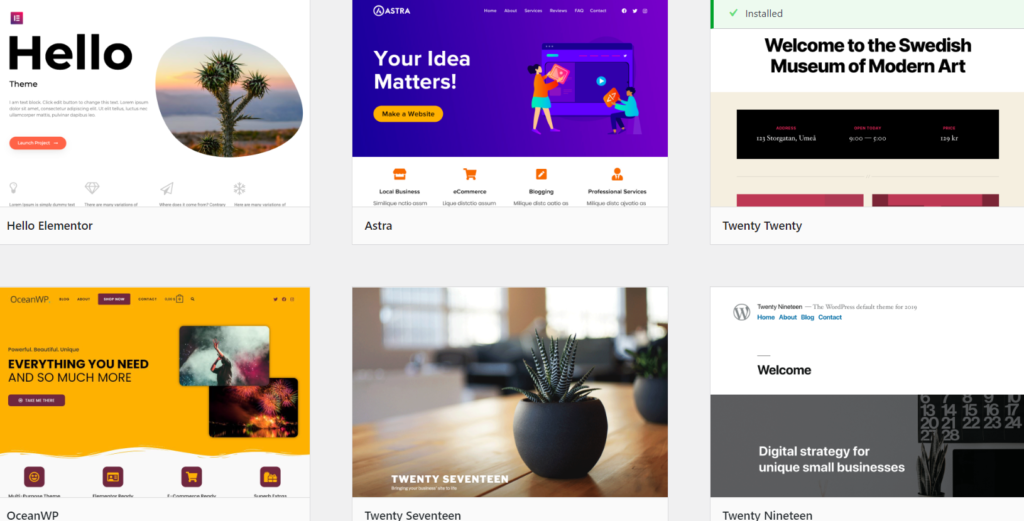
now your website is been created
next, go to post and start writing your blog article and publish it
Conclusion
Now your website is live. creating a blog is very easy Bluehost gives a very good price which is affordable for beginners.